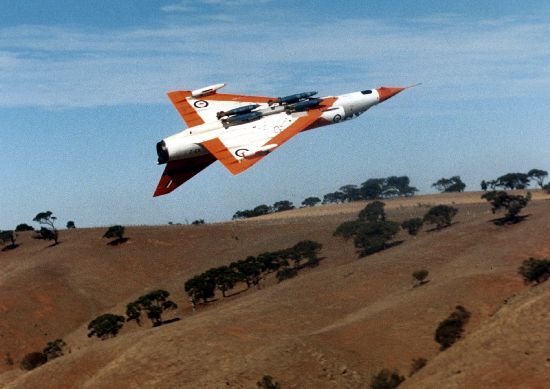
Keen to encourage friends and family to fly with me in the incredible DCS World, I complied this list of what one needs. This was for my cousin, whom is obsessed with military aviation. He is particularly fond of airframes used by the Royal Australian Air Force, such as the Dassault Mirage III.
Steam/DCS (software)
- DCS World (free. easy to install from the Steam marketplace/app)
- DCS aeroplane add-ons ($50-$150 ea. easy to install)
- Mirage 2000C DCS Module Buyer Guide Review
- YouTube: Getting Started, An Introduction To DCS WORLD
- [Procure] DCS World - Steam Edition
- [Procure] DCS: M-2000C
Decent graphics card (GPU)
- does most of the grunt work, drawing the images at a high enough refresh rate for your display
- ideally >=6 GB VRAM
- moderately difficult to install
- YouTube: Installing a Video Card - How To: Basics
- [Procure] Scorptec: Where I buy most new gear
- [Procure] eBay search for 8GB GPUs
Decent ‘gaming’ monitor/display
- $250-$900
- ensure it has a high refresh rate, >=75hz
- ideally G-SYNC (or FreeSync) depending on GPU type
- easy to setup
- [Procure] Scorptec 100+Hz monitors
Modern PC that can accomodate a discrete GPU
- thus, not a small, bible sized PC
- Intel i5 or greater CPU. Ideally with high single threaded performance
- 16GB RAM
TrackIR head tracking
- whilst you can task head panning to a 4-way ‘hat’ on your stick, head tracking is pretty solid now, and a must have for flight simulation in my opinion
- TrackIR 5 comes with a special camera that you place below/above your monitor facing your head, and a TrackClip which attaches to the brim of a hat or visor and has three retro-reflective markers that direct infrared light back to the camera. optionally you can use a TrackClip Pro, which attaches to most PC headsets, comes with active LED markers.
- TrackIR
HOTAS hands on throttle and stick
- ideally a stick and throttle with 4-way hats to steer radars and targeting pods etc
- semi complex to setup, as the various buttons need to be ‘mapped’ to various systems in each jet
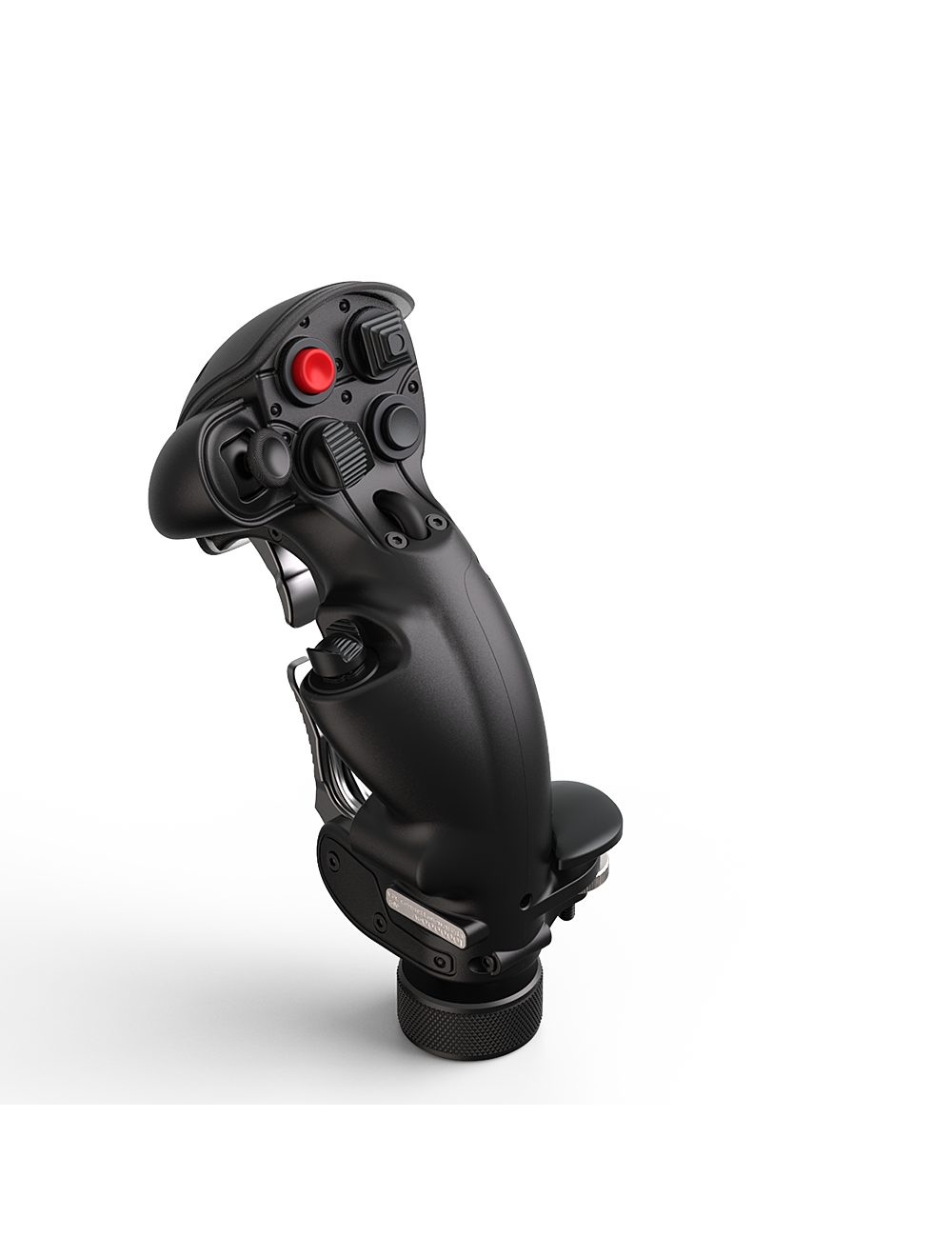
- I like and use Thrustmaster products, both;- T.16000M which is now on my sons’ PC Thrustmaster T.16000m- HOTAS Warthog (my current setup) Thrustmaster Warthog
- you can now swap out the stick grip for a F-18 grip (On my wish list!) Thrustmaster fa-18c-hornet-hotas-add-grip
- like road push-bikes, there appears not to be an upper limit on how much you can spend —> [Procure] https://virpil-controls.eu
- YouTube: Thrustmaster TM16000M HOTAS Review for DCS World and Star Citizen
- YouTube: Thrustmaster Warthog HOTAS DCS review
- YouTube: Cap’s X-56 HOTAS For DCS WORLD & Review
optional
- peddles. Unless you’ve broken your jet or need to land in a cross wind or on an aircraft carrier, just fly with ailerons. Alternatively a twisting stick or HOTAS throttle with an addional axis. (Both the TM16000M controls have these)
- headset with microphone
- MX Ergo trackball ‘mouse’. This keeps the pointing device in a fixed location by your side. When you need to flip a switch or turn a dial in the cockpit, your muscle memory can reach directly for the ‘mouse’ and your thumb moves the pointer. [Procure] Logitech MX Ergo Wireless | Scorptec Computers
- Motion platforms such as www.boschrexroth.com/motion