The high-level requirements for my simpit are that it is;
- deeply immersive
- suitable for different sized pilots as, for the short time being, my son cannot fully depress toe-brakes.
- flexible such that helicopter controls could be swapped in place
- not an affront to one’s aesthetic sensibilities
- has adequate space for some instruments
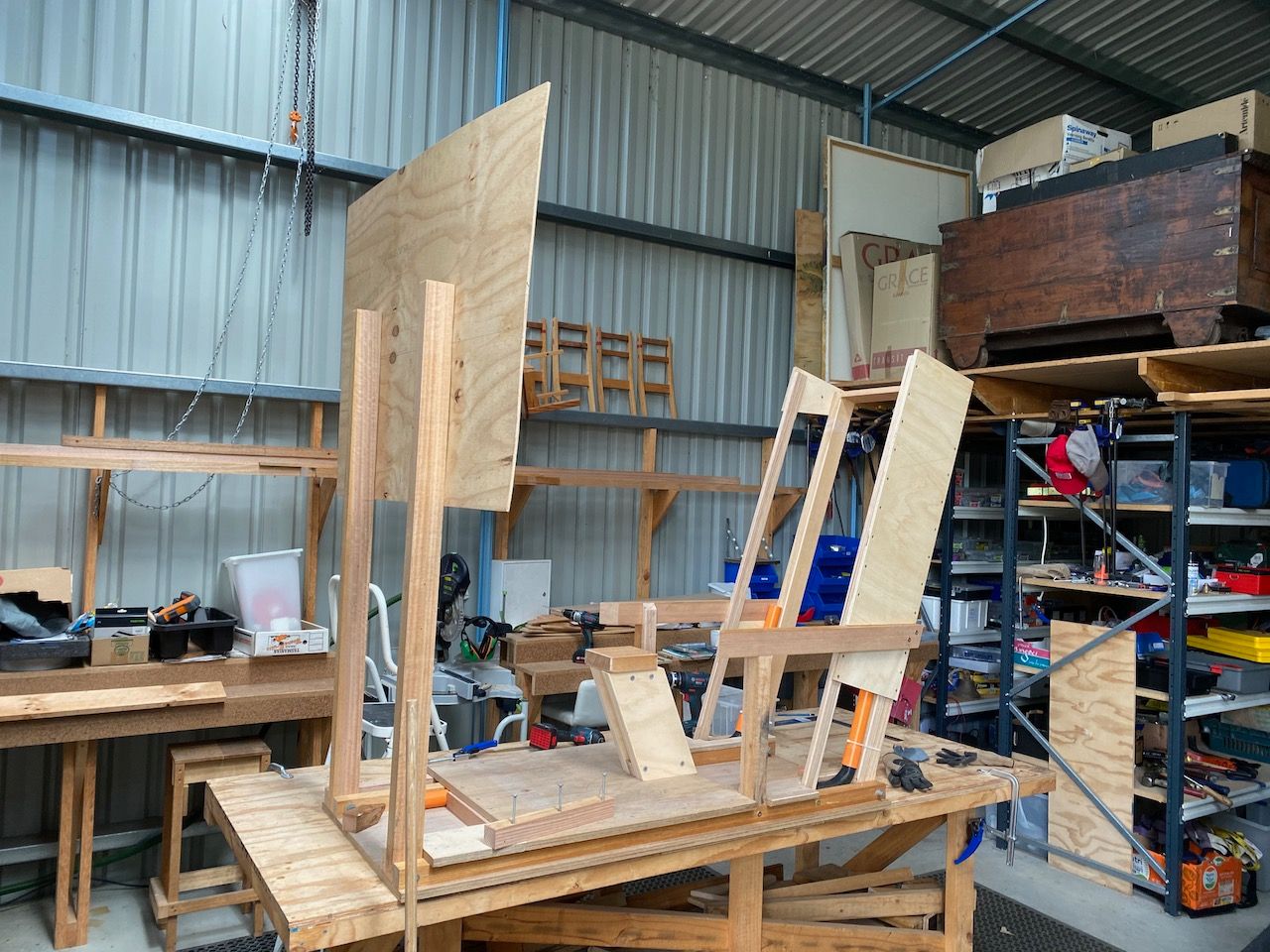
Controls that I purchased are quite sturdy, requiring solid mounts to avoid unintentional control inputs. The peddles I elected to mount on a sliding sheet of concrete form plywood, as it has a nice hard wearing yet slippery surface, suitable to the movement of ones heels. The sheet itself can slide forward enabling shorter statured pilots full control of the peddles.
The seat needs to be comfortable, yet also accomodate a stick between the legs. I found a seat online designed for flight sims, although I had to remove the centre mounted stick ‘shelf’ and supporting column.
Electing to construct out of wood, the basic design was to mount various elements to a torsion box ++two layers of plywood on either side of a lightweight core++. Supports on either side of the seat, primarily for the throttle on the left, and PC mouse on the right, would be constructed from hardwood. These would be tied together around the rear to minimise their structure. For helicopter controls, the left support could be removed and replaced with one that suits a collective lever.
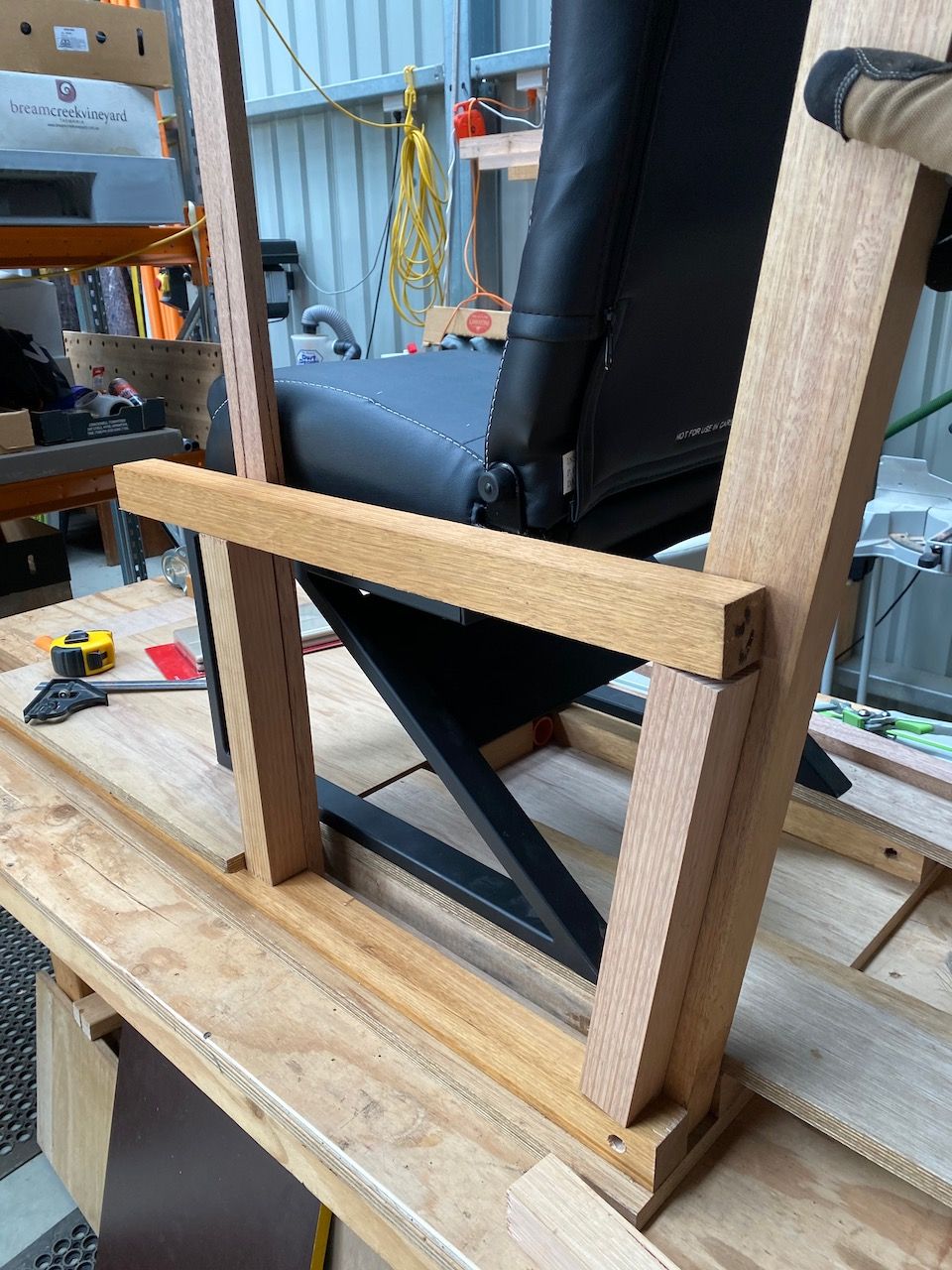
Where tied together behind the seat, I figured I could do a mock ejection seat. This would serve multiple purposes; 1) host a pair of rear speakers for surround sound, 2) store flight manuals and headphones when not in use and 3) cover or incorporate a subwoofer, and 4) perhaps look quite cool, at least to the inner child.
At the other end of the torsion box, I could mount posts for holding a flat panel display. The display (or VR goggles) shall be a key element in attaining a deeply immersive experience.
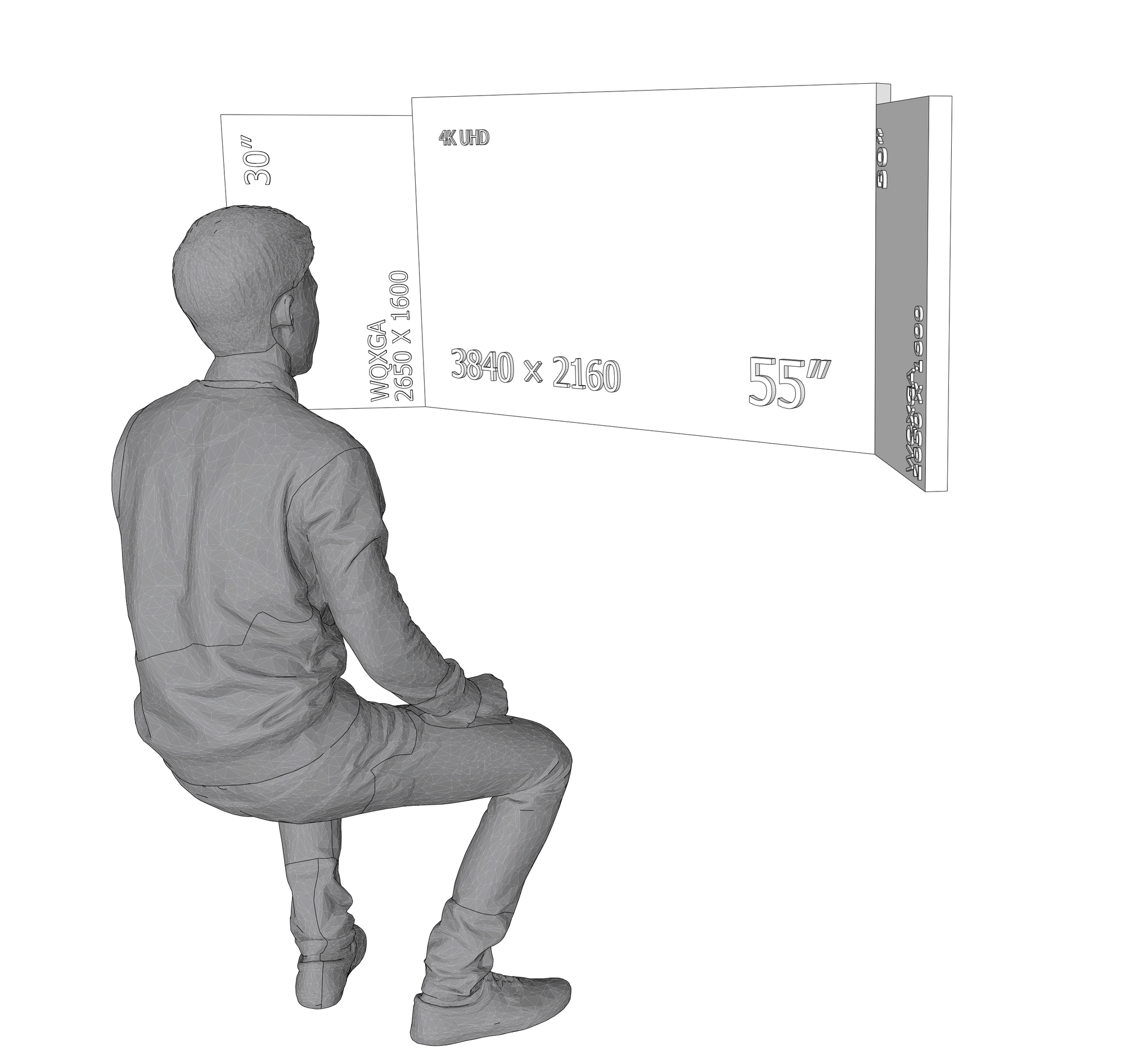
Earlier design ideas included repurposing a pair of 30” WXQGA displays in a portrait orientation on either side of a 55” LCD TV. These would be angled inwards to provide for one’s peripheral vision. Unfortunately the bezels would always be visible, and configuring the computer to use three displays of differing resolutions, colour-spaces and refresh rates is non-trivial, so I opted to go for a single large display.
When paired with head-tracking, where slight movement of the head translates to the perspective on the screen moving, you can, with a little acclimatisation, attain some visual situational awareness, which is critical in aviation, and especially so if you’re trying to build an immersive flight simulator.
Most of the switches are fully simulated in DCS World, so reaching for a mouse to click an on screen button is the de-facto method for interacting with your aeroplane. Obviously you need to take your hand of the stick to do this, and ideally the mouse is where you left it so you don’t also have to take your eyes off the screen. For this setup, a stationary trackball style mouse works very well.
For often used switches and buttons, dedicated physical interfaces are the go, to maintain immersion, and facilitate rapid execution of commands.
Instrument wise, being able to incorporate working cockpit multifunction displays such as the Garmin G1000 would be epic.
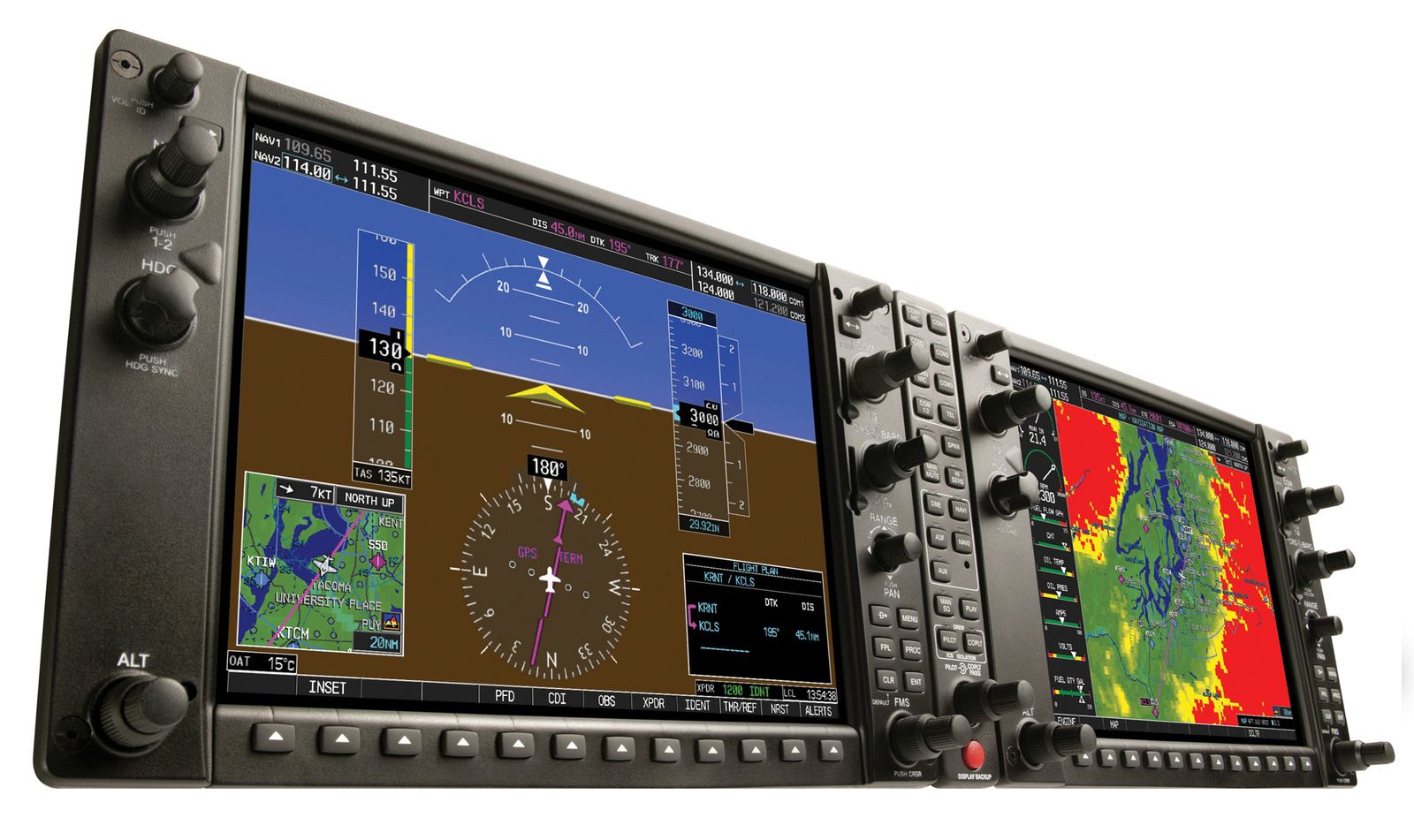
As it happens Thrustmaster make a unit called the Cougar MFD, which is an MFD without the display. You get the ‘soft’ physical buttons and, when mounting an LCD behind, flight-sim Nirvana is within reach.
So MFDs are doable, as are basic button boxes that one can map to various keyboard commands. What is more challenging are button/switch boxes with integrated LCD displays that are used to enter coordinates etc. Here I found a West Australian entreprenur on Etsy who makes these types of peripherals. Checkout his gear -> https://tekcreations.space
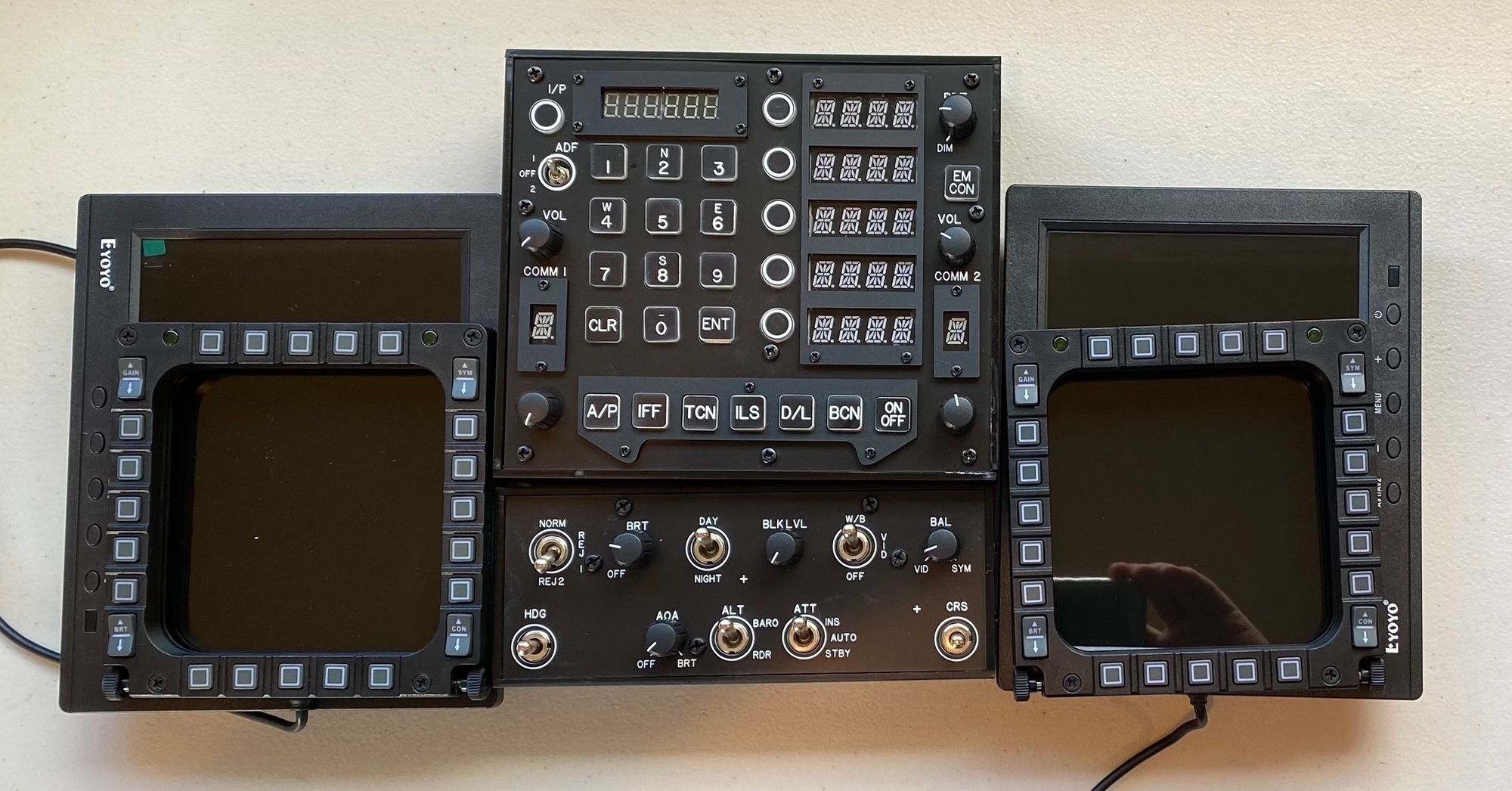
So far the design in my mind was coming together and would be quite awesome. It just might not look ghastly either.
Part 1 - IntroductionPart 2 - Requirements (this post)Part 3 - to VR or not to VR, that might be a questionPart 4 - Immersive: Controls, displays and feeling the gunPart 5 - PC Spec, build etc